
FAQ - New Freshdesk Portal Design
TABLE OF CONTENTS
- Introducing the New Freshdesk Design
- What’s New?
- Portal Home
- Status Page
- Ticket Details
- New Ticket Submission Form
Introducing the New Freshdesk Design
We’re excited to roll out the new Freshdesk Portal, designed to make your support experience faster, more intuitive, and more efficient.
Please note that the system functionality remains exactly the same. There are no changes to how your tickets are handled or processed. This update is focused solely on improving readability and navigation, making it easier for you to view ticket details, share information, and access key resources without altering the underlying workflows
What’s New?
- Modern, streamlined design: A cleaner layout for easier navigation.
- Improved ticket management: Quickly view, prioritise, and respond to customer queries.
- Enhanced search and filtering: Find tickets and solutions in seconds.
- Integrated Status Banner: Instantly see the current system status at the top of the page, so you know if an issue is related to a known incident.
Portal Home
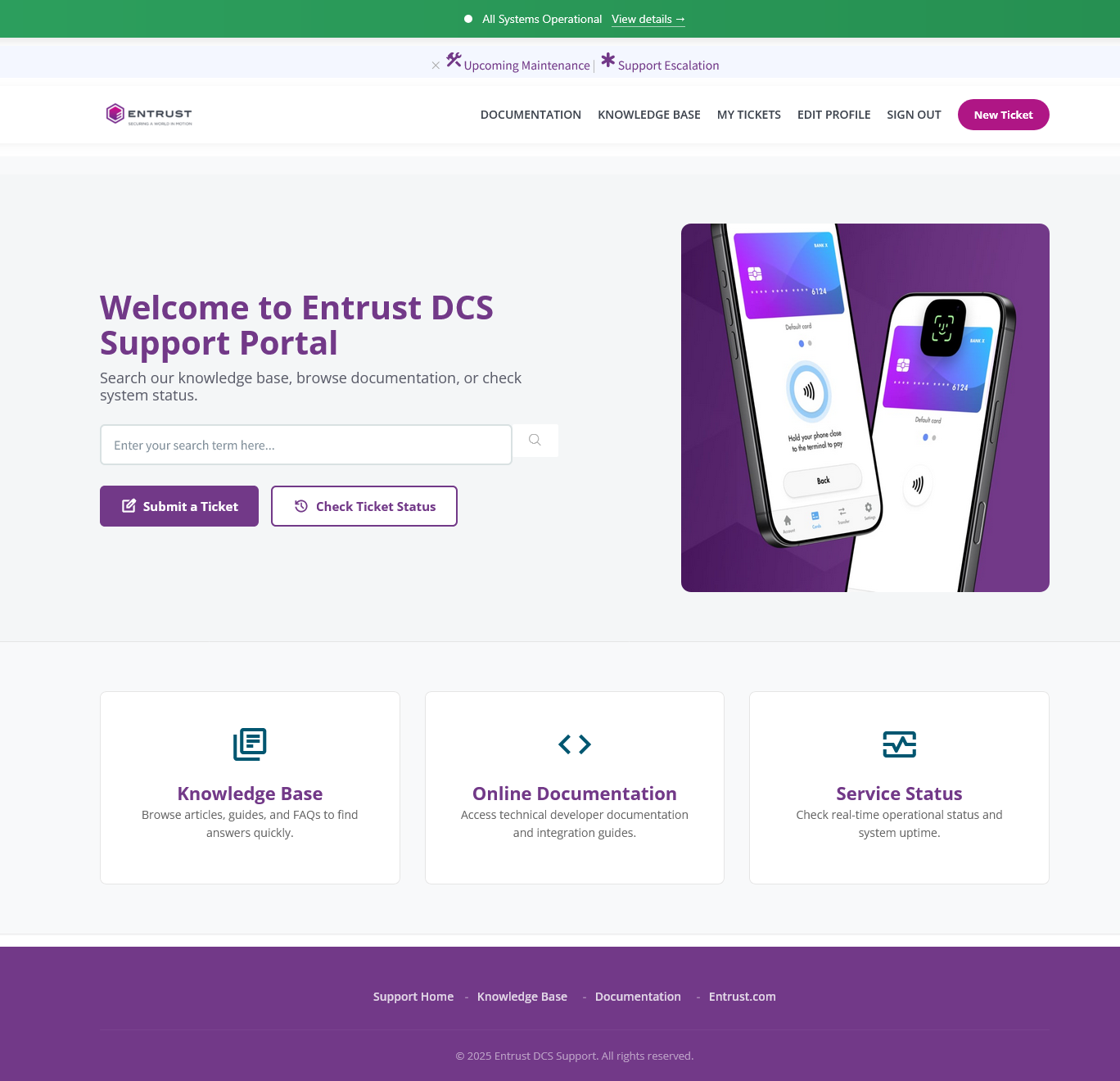
The new portal homepage is designed with a focus on your primary tasks, making it easier to access your current ticket list, the knowledge base, online documentation, and the newly added Service Status page.
Status Page
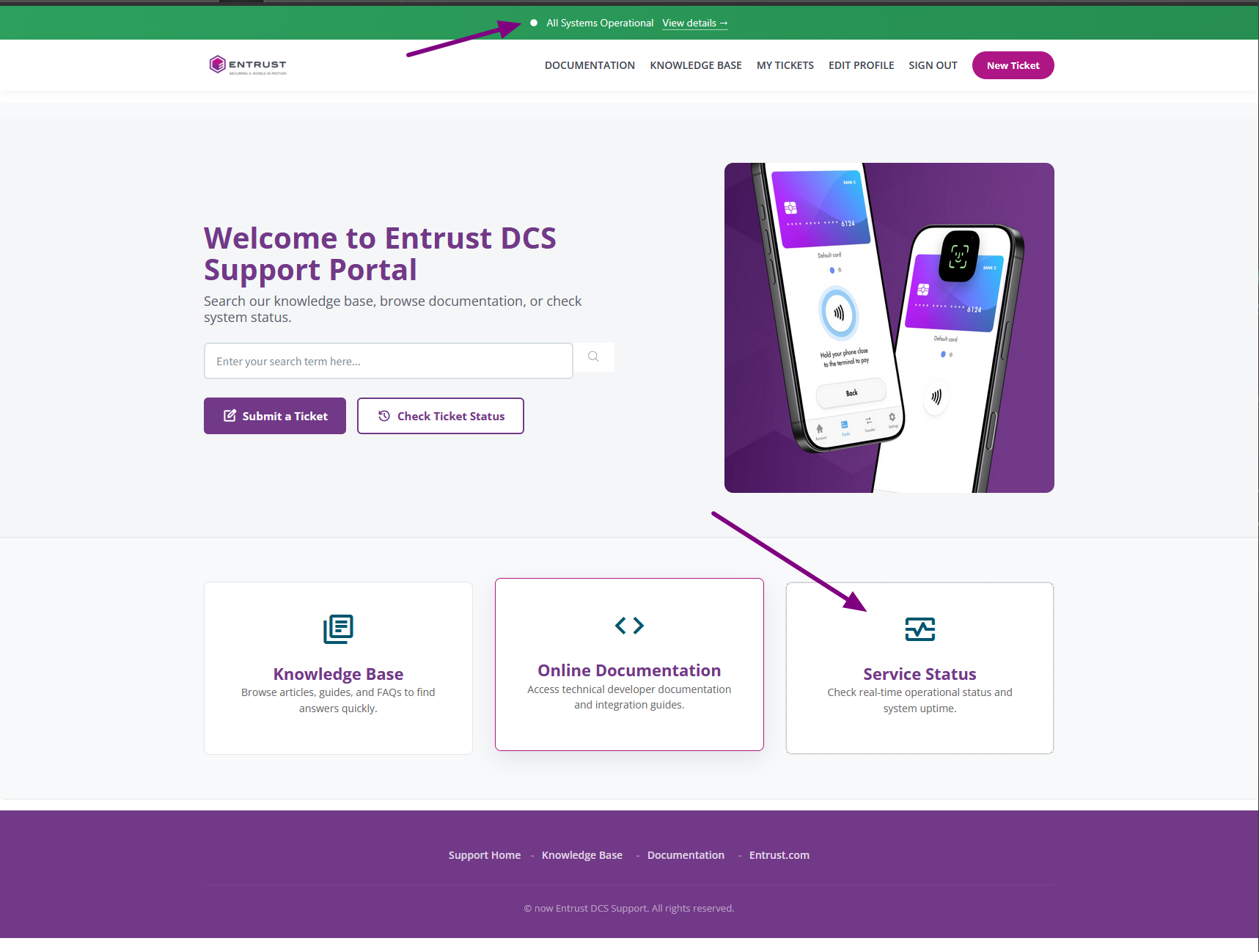
In the new portal, a banner will always be displayed on top of the page to show the system status. Alternatively, you can navigate to the service status page by clicking the link to Service Status in the homepage. Details >
Ticket Details
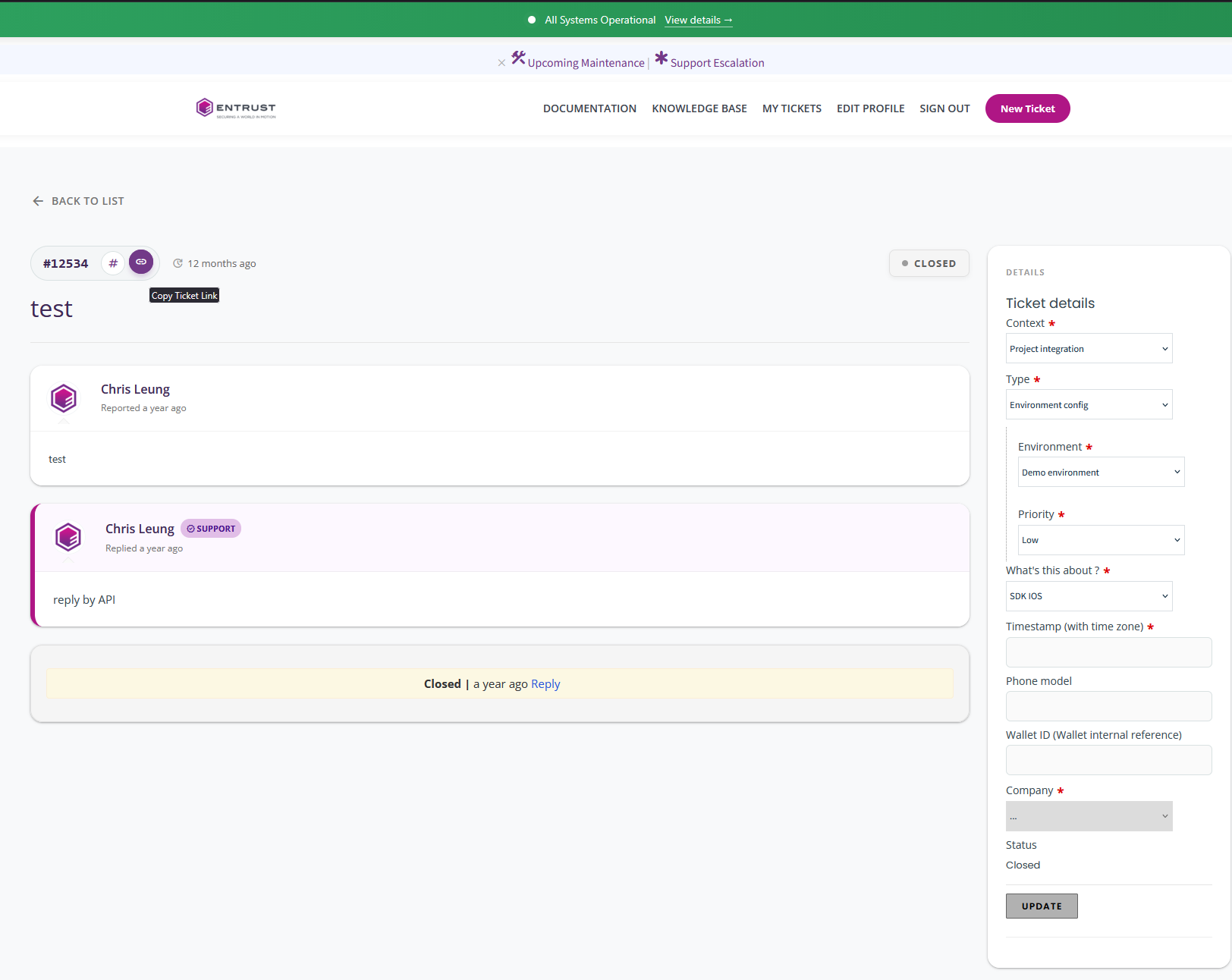
The new ticket detail page features a cleaner, more intuitive design, making it easier to understand the ticket status at a glance. You can now quickly copy the ticket ID and URL for sharing, while colour-coded responses improve readability.
Additionally, the ticket details sidebar provides a clear, organised view of all relevant information
New Ticket Submission Form
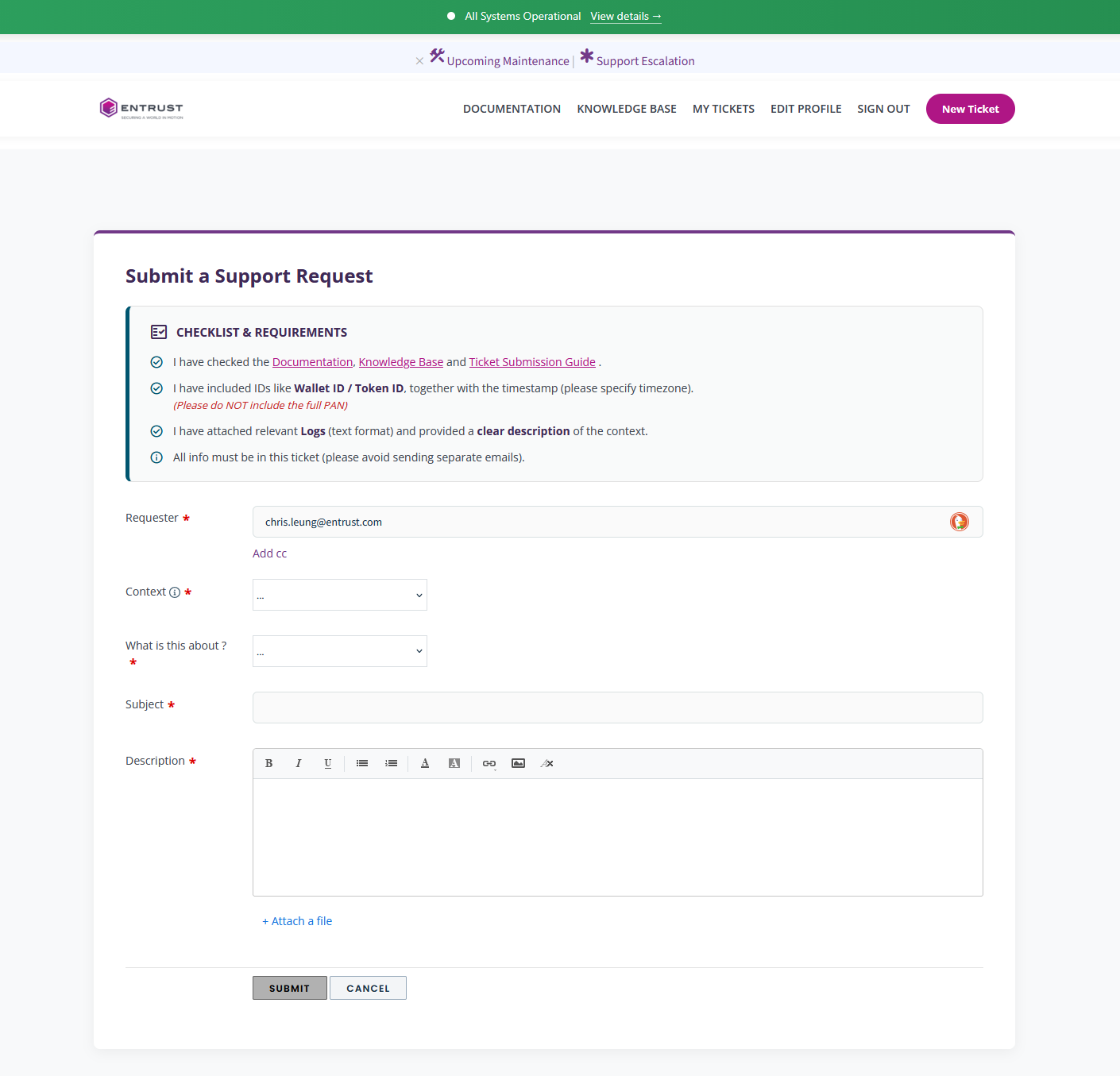
The ticket submission form retains its familiar functionality but now features a cleaner, more streamlined layout for an improved user experience
Did you find it helpful? Yes No
Send feedback